
Disclosure: As an Amazon Associate, deeperthing.com earns from qualifying purchases. This means we may receive a commission when you purchase through links on this page, at no extra cost to you.
The smart home market has grown into a multi-billion dollar industry, with thousands of devices competing for your attention and wallet. From smart speakers and security cameras to thermostats and door locks, the options can feel overwhelming. Buying the wrong device means wasted money, compatibility headaches, and a frustrating user experience. This guide walks you through every factor you need to compare before making a purchase, helping you build a smart home that actually works for your needs and budget.
Whether you are starting from scratch or expanding an existing setup, understanding what to compare will save you time, money, and frustration. Our beginner setup guide covers the basics, but this article goes deeper into the comparison factors that separate a good purchase from a bad one.
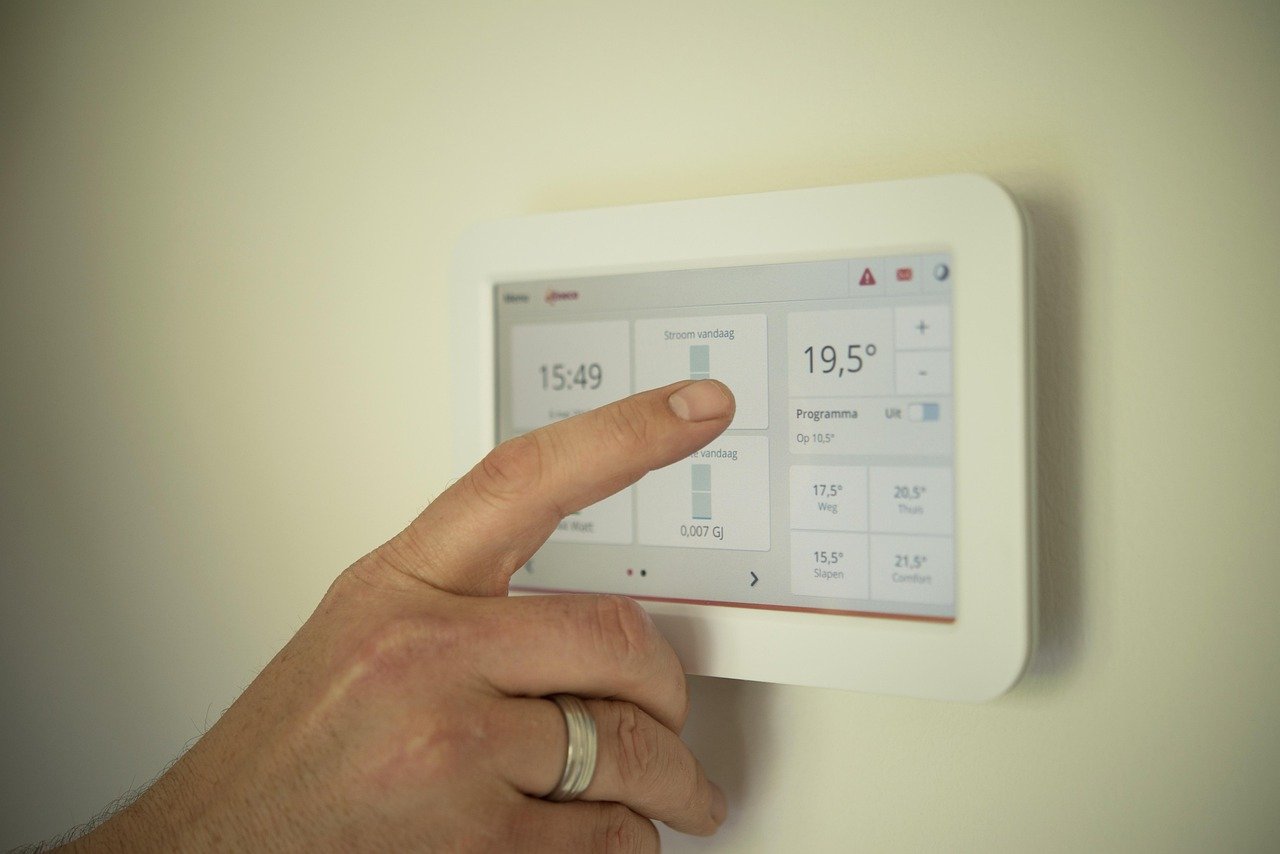
Why Comparison Shopping Matters for Smart Home Devices
Smart home devices are not like traditional electronics. A regular lamp works with any outlet, but a smart bulb may only work with certain ecosystems, hubs, or protocols. A thermostat that works perfectly in one home might be incompatible with your HVAC system. A security camera that looks great on paper might require a monthly subscription you did not budget for.
Comparison shopping matters because the total cost of ownership extends far beyond the sticker price. You need to factor in subscription fees, hub requirements, energy consumption, and the potential cost of replacing incompatible devices. A $30 smart plug that requires no hub could be a better value than a $20 plug that needs a $70 hub to function.
Our budget guide for under $100 shows how to start small, but this comparison guide helps you make informed decisions at every price point. The key is understanding that the cheapest option is rarely the best long-term value.
Understanding Smart Home Ecosystems
The ecosystem you choose will determine which devices work together, how you control them, and what features are available. Four major ecosystems dominate the market: Amazon Alexa, Google Home, Apple HomeKit, and the newer Matter standard.
Amazon Alexa
Amazon Alexa is the most widely adopted smart home ecosystem, with the largest selection of compatible devices. The Amazon Echo Dot 5th Gen serves as an affordable entry point, offering built-in temperature sensors, motion detection, and improved audio quality over previous generations. Alexa supports the most third-party integrations, making it the default choice for many households.
Alexa devices often include built-in Zigbee hubs (like the Echo Show and Echo 4th Gen), which means you can connect certain smart devices without buying a separate hub. However, Alexa relies heavily on cloud processing, which means an internet outage can limit functionality. Our voice assistant guide covers the differences between Alexa, Google Assistant, and Siri in more detail.
Google Home
Google Home (formerly Google Nest) excels at search, calendar integration, and YouTube integration. The Google Nest Hub 2nd Gen offers a 7-inch display, sleep sensing technology, and a built-in Thread border router for Matter devices. Google Assistant generally provides more accurate answers to complex questions compared to Alexa, though its third-party device support is slightly smaller.
Google’s ecosystem shines if you already use Google services like YouTube Music, Google Photos, or Google Calendar. The Nest Hub doubles as a digital photo frame and can control compatible smart devices with touch or voice.
Apple HomeKit
Apple HomeKit offers the strongest privacy and security features of any major ecosystem, with end-to-end encryption and on-device processing. The Apple HomePod mini serves as both a smart speaker and a HomeKit hub, supporting Thread networking and Matter compatibility.
HomeKit’s main limitation is device selection. Fewer products support HomeKit natively compared to Alexa or Google, though Matter is rapidly closing this gap. If privacy is your top priority, HomeKit is the clear winner. Learn more in our smart home privacy guide.
Matter: The Universal Standard
Matter is a unified connectivity standard developed by the Connectivity Standards Alliance (formerly Zigbee Alliance), with support from Apple, Google, Amazon, and Samsung. Matter allows devices to work across ecosystems without requiring separate integrations for each platform.
If you are buying new smart home devices in 2026, prioritize Matter-compatible products. Matter-over-Thread devices offer low power consumption, local control, and cross-platform support. This means a Matter bulb can work with Alexa, Google, and Apple HomeKit simultaneously. Our ecosystem comparison guide provides a detailed breakdown of how these platforms compare.
Compatibility Checking: How to Verify Devices Work Together
Before buying any smart home device, you need to verify it will work with your existing setup. Here are the steps to check compatibility:
1. Check Ecosystem Compatibility
Look for “Works with Alexa,” “Works with Google,” or “Works with Apple HomeKit” badges on the product packaging or listing. If a device supports Matter, it should work with all three major ecosystems. However, some features may be limited when using a device outside its native ecosystem. For example, an Alexa-compatible thermostat might support basic temperature control through Google Assistant but lack scheduling features.
2. Verify Protocol Support
Check which wireless protocol the device uses. If it requires Zigbee and you do not have a Zigbee hub, you will need to buy one. The SwitchBot Hub 2 and similar hubs can bridge different protocols, but they add cost and complexity.
3. Check Hub Requirements
Some devices require a specific hub to function. For example, Philips Hue bulbs require the Hue Bridge for full functionality, though they can work via Bluetooth with limited features. Before purchasing, check whether the device includes a hub or requires you to buy one separately. Our smart home hub guide covers hub options in detail.
4. Test with a Single Device First
If you are unsure about compatibility, buy one device and test it before committing to a full ecosystem. This approach lets you verify that the setup process, app quality, and performance meet your expectations. Our troubleshooting guide can help if you run into issues.
Key Specs to Compare: Protocols Explained
The wireless protocol a smart home device uses affects its range, power consumption, reliability, and compatibility. Here is a comparison of the five most common protocols:
| Protocol | Range | Power Use | Hub Required | Best For |
|---|---|---|---|---|
| Wi-Fi | Medium | High | No | Cameras, plugs, speakers |
| Zigbee | Medium | Low | Yes | Bulbs, sensors, locks |
| Z-Wave | Long | Low | Yes | Locks, thermostats, sensors |
| Thread | Medium | Very Low | Border Router | Matter devices, sensors |
| Matter | Varies | Varies | Platform | Cross-platform devices |
Wi-Fi
Wi-Fi is the most common protocol for smart home devices because it requires no additional hub. Devices like the Wyze Cam v4 and most smart plugs connect directly to your home network. The downside is that Wi-Fi devices consume more power, which is why battery-powered devices rarely use Wi-Fi. Too many Wi-Fi smart devices can also congest your network. Our networking guide covers how to optimize your network for smart home devices.
Zigbee
Zigbee is a low-power mesh networking protocol that allows devices to relay signals to each other, extending range. Philips Hue, Amazon Echo (4th Gen and newer), and many smart locks use Zigbee. The mesh network means that adding more devices actually strengthens the network. However, Zigbee requires a hub or coordinator device.
Z-Wave
Z-Wave is similar to Zigbee but operates on a different frequency (908 MHz in the US), which means less interference from Wi-Fi. Z-Wave has longer range per device but supports fewer devices per network. It is popular for smart locks and thermostats. Samsung SmartThings hubs support both Zigbee and Z-Wave.
Thread
Thread is the newest protocol gaining traction, especially with Matter devices. It offers extremely low power consumption, self-healing mesh networking, and IPv6 addressing. Thread does not require a traditional hub but needs a border router (like an Apple TV 4K, HomePod mini, or Google Nest Hub). The Amazon Smart Plug and newer Matter devices increasingly support Thread.
Matter
Matter is not exactly a protocol but rather a certification standard that runs over Wi-Fi or Thread. A Matter-certified device works with Alexa, Google, Apple, and Samsung ecosystems simultaneously. If you are buying new devices in 2026, prioritize Matter compatibility for maximum flexibility.
Price vs Value: Upfront Cost vs Long-Term Analysis
The sticker price of a smart home device tells only part of the story. To understand the true cost, you need to consider the total cost of ownership over the device’s expected lifespan.
Upfront Costs
Smart home devices range from under $20 for basic smart plugs to over $500 for comprehensive security systems. The Amazon Smart Plug 4-pack offers excellent value at under $40, while the August Wi-Fi Smart Lock costs around $200 but includes built-in Wi-Fi without requiring a separate hub.
When comparing prices, always check whether a hub is required. A $25 smart bulb that needs a $50 hub costs $75 for the first bulb, while a $35 Wi-Fi bulb needs no hub. However, if you plan to add 10 bulbs, the hub-based option becomes cheaper ($25 x 10 + $50 = $300 vs $35 x 10 = $350).
Subscription Costs
Many smart home devices require or strongly encourage monthly subscriptions. These recurring costs can exceed the device’s purchase price within a year or two:
- Security cameras: Ring Protect ($3-$20/month), Arlo Secure ($5-$25/month), Wyze Cam Plus ($2-$5/month)
- Smart locks: Some brands offer premium features behind paywalls
- Thermostats: Most are free to use, but some energy reporting features may require subscriptions
- Cloud storage: Video recording, activity history, and AI features often require ongoing payments
A security camera that costs $35 with a $3/month subscription costs $71 after one year and $107 after two. Compare this to a camera with free local storage that costs $60 upfront. Always calculate the two-year total cost when comparing devices. Our budget guide includes a detailed cost analysis framework.
Energy Savings
Smart thermostats and smart lighting can generate measurable energy savings. ENERGY STAR certified smart thermostats can save 8-23% on heating and cooling bills. Smart LED bulbs use 75% less energy than incandescent bulbs. Over time, these savings can offset the initial purchase cost. Learn more in our energy saving guide.
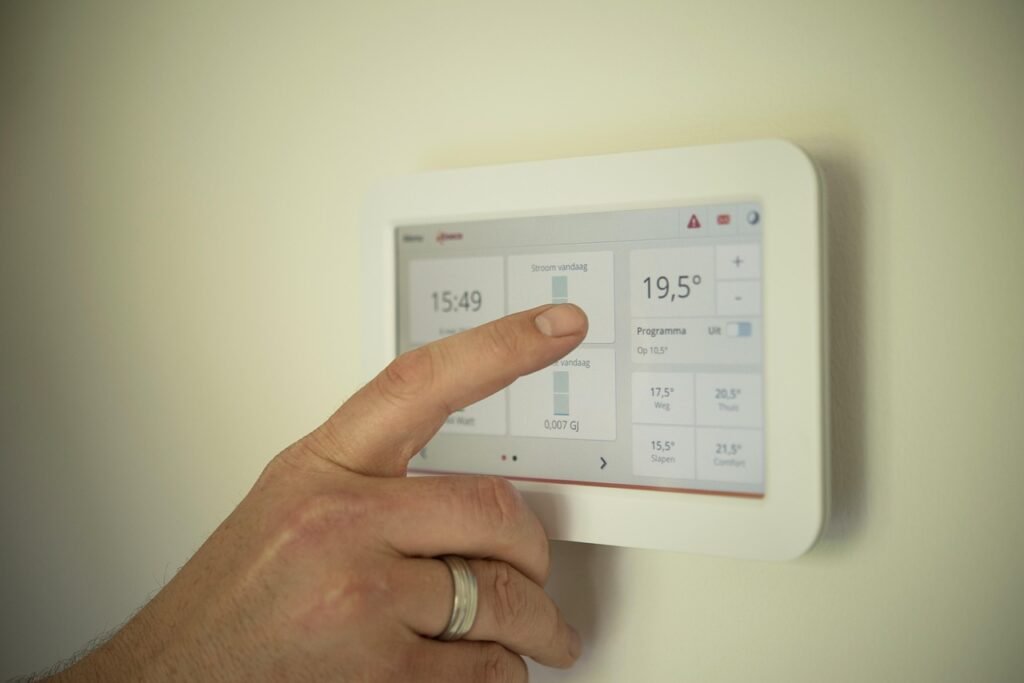
Hub Requirements and Subscription Costs Comparison
Hubs act as the central controller for smart home devices, especially those using Zigbee or Z-Wave protocols. Some ecosystems include built-in hubs, while others require separate hardware.
| Hub/Platform | Price | Protocols | Subscription | Ecosystems |
|---|---|---|---|---|
| Amazon Echo (4th Gen+) | $50-$100 | Zigbee, Matter, Thread | Free (Alexa) | Alexa |
| Samsung SmartThings | $35-$80 | Zigbee, Z-Wave, Matter | Free | SmartThings, Google, Alexa |
| Apple HomePod mini | $129 | Thread, Matter | Free (HomeKit) | Apple HomeKit |
| Google Nest Hub | $99 | Thread, Matter | Free (Google) | Google Home |
| SwitchBot Hub 2 | $69 | Bluetooth, IR, Matter | Free (cloud optional) | Alexa, Google, Siri |
| Philips Hue Bridge | $60 | Zigbee, Matter | Free | Alexa, Google, HomeKit |
When choosing a hub, consider not just the price but also the protocols it supports and the ecosystems it works with. A hub that supports Matter will be more future-proof than one that only supports Zigbee. The Samsung SmartThings Station doubles as a wireless charger, while the TP-Link Tapo H100 Hub offers excellent value for Tapo ecosystem users. Our hub guide provides detailed comparisons.
Privacy and Security Features to Compare
Smart home devices collect significant amounts of personal data, including voice recordings, video footage, daily routines, and location information. When comparing devices, privacy and security should be a top priority.
Data Collection Policies
Review what data each device collects and how it is used. Amazon, Google, and Apple have different approaches:
- Apple HomeKit: End-to-end encryption, on-device processing, minimal data collection. The most privacy-focused option.
- Google Home: Collects usage data for improving services, offers privacy controls but processes more data in the cloud.
- Amazon Alexa: Records voice commands (with opt-out), uses data for targeted advertising unless disabled.
- Matter devices: Support local control, reducing cloud dependency and improving privacy.
Security Features
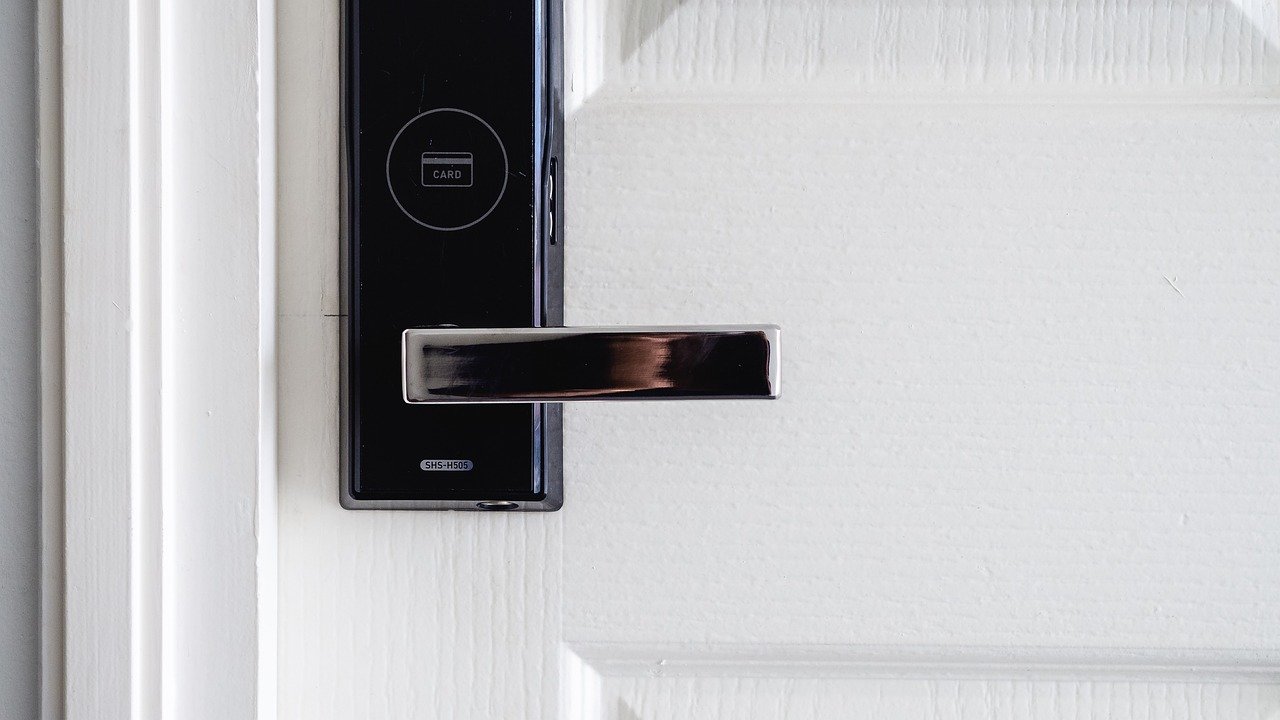
Look for devices that offer two-factor authentication (2FA), local processing options, and automatic firmware updates. The August Wi-Fi Smart Lock includes secure encryption and automatic locking features, while some budget brands may cut corners on security to reduce costs.
Check whether the device supports local control (operating without internet). Matter-over-Thread devices can function locally, which means they continue working during internet outages and do not send data to the cloud. For maximum privacy, consider our privacy protection guide recommendations.
Camera Privacy
Security cameras and video doorbells raise additional privacy concerns. Look for models with physical privacy shutters, local storage options, and end-to-end encryption. The Wyze Cam v4 offers local microSD storage, while Ring cameras require cloud subscriptions for recording. Our security camera guide compares privacy features across brands.
Setup Complexity: DIY vs Professional Installation
Installation difficulty varies dramatically across smart home categories. Understanding what you can handle yourself versus what requires a professional can save you time and money.
Easy DIY Installation
These devices can be installed in minutes without any tools:
- Smart plugs (just plug in and connect to app)
- Smart bulbs (screw in and pair)
- Smart speakers (plug in, connect to Wi-Fi)
- Wi-Fi security cameras (mount and connect)
- Smart light strips (peel, stick, and plug)
The Amazon Smart Plug is one of the easiest devices to set up, requiring only a 2.4GHz Wi-Fi connection and the Alexa app.
Moderate DIY Installation
These devices require basic tools and some technical comfort:
- Smart door locks (remove existing deadbolt, install new lock)
- Smart thermostats (remove old thermostat, connect wires, configure)
- Smart switches (replace wall switches, requires electrical work)
- Video doorbells (mount, wire or charge battery, connect to app)
The August Wi-Fi Smart Lock is designed for easy installation, attaching to your existing deadbolt without replacing the entire lock assembly. However, some users may prefer professional installation for peace of mind.
Professional Installation Recommended
These installations involve complex wiring or structural modifications:
- Wired security camera systems (requires running cables through walls)
- Hardwired video doorbells (involves doorbell transformer wiring)
- Smart home electrical panels (requires licensed electrician)
- Whole-home automation systems (professional design and installation)
For seniors or those less comfortable with technology, our guide for seniors recommends focusing on plug-and-play devices that require no installation at all.
Brand Reliability and Customer Support Comparison
Brand reliability affects how long your devices will last and how well they will be supported with software updates. Here is how major smart home brands compare:
Top-Tier Brands
Amazon (Echo, Ring): Excellent app support, frequent updates, extensive device ecosystem. Ring products have strong customer support but push subscriptions heavily. The Echo Dot 5th Gen has received consistent updates since launch.
Google (Nest): Strong software support, regular feature updates, but limited product lineup. Nest thermostats have excellent longevity, with some models receiving updates for 5+ years.
Apple (HomePod, HomeKit): Best-in-class privacy, long software support cycles, but premium pricing. Apple supports devices for 5-7 years typically.
Philips Hue: Industry-leading lighting ecosystem, excellent app quality, consistent firmware updates. The Hue Bridge supports up to 50 lights and has received Matter support. See our smart lighting guide for details.
Value Brands
Wyze: Aggressive pricing, decent app quality, but limited customer support. Products like the Wyze Cam v4 offer exceptional value but may have shorter support lifecycles.
TP-Link Kasa/Tapo: Good reliability, responsive support, excellent value. The Kasa line offers solid performance at competitive prices. See our smart plugs guide for recommendations.
eufy (Anker): Growing reputation for quality, no-subscription security cameras, good warranty support. The eufy Smart Lock S330 combines a lock, camera, and doorbell in one device without monthly fees. The eufy Smart Lock S330 is a standout choice for users who want premium features without recurring costs.
SwitchBot: Innovative products for making non-smart devices smart, good app support, active community. The SwitchBot Hub 2 supports Matter and works with multiple ecosystems.
Red Flags to Watch For
- No firmware updates in over 12 months
- Poor app store ratings (below 3.5 stars)
- Limited customer support options (no phone or chat)
- Products being discontinued shortly after purchase
- Required cloud services that could shut down, bricking the device
Energy Efficiency Ratings and Operating Costs
Smart home devices consume electricity, and their energy usage varies significantly. Understanding operating costs helps you make informed decisions and avoid surprises on your utility bill.
Smart Thermostats
Smart thermostats are the only smart home category that typically saves more money than it costs to operate. ENERGY STAR certified models like the ecobee Smart Thermostat Premium can save 8-26% on heating and cooling bills. The device itself uses minimal power (less than 1 kWh per month), but the savings come from optimized scheduling and occupancy detection. Our thermostat guide covers the best options.
Smart Lighting
Smart LED bulbs use 75% less energy than incandescent bulbs, but they do draw a small amount of power even when off (called “phantom load” or “vampire draw”). A typical smart bulb draws 0.2-0.5 watts in standby mode. With 20 smart bulbs, this adds about $1-2 per month to your electric bill. For energy-efficient options, check our lighting guide.
Smart Plugs and Outlets
Smart plugs themselves consume 1-2 watts continuously. While this seems small, 10 smart plugs running 24/7 add about $2-4 per month. Smart plugs with energy monitoring features, like the TP-Link Kasa Smart Plug, can help you identify and reduce energy waste from other devices. See our energy saving guide for strategies.
Security Cameras
Security cameras are among the most power-hungry smart home devices. A single Wi-Fi camera can consume 5-15 watts continuously, adding $5-15 per year per camera to your electric bill. Battery-powered cameras reduce operating costs but require regular charging. Solar panels can eliminate charging needs for outdoor cameras. Our sustainability guide covers eco-friendly smart home choices.
Smart Device Category Comparison Tables
Different smart home categories have different comparison priorities. Here is what to look for in each major category.
Smart Locks
When comparing smart locks, prioritize security certifications, battery life, and connectivity options. The August Wi-Fi Smart Lock offers built-in Wi-Fi and works with your existing deadbolt, while the eufy Video Smart Lock S330 combines a lock, camera, and doorbell in one device. Compare options in our smart locks guide. The August Wi-Fi Smart Lock with Keypad adds fingerprint access for even more convenience.
Smart Lock Comparison Factors:
- Battery type and life (CR123, AA, or rechargeable)
- Connectivity (Wi-Fi, Bluetooth, Zigbee, Z-Wave)
- Entry methods (app, keypad, fingerprint, key, voice)
- Auto-lock and auto-unlock features
- Door position sensing (knows if door is open or closed)
- Guest access management
- BHMA security certification grade
Security Cameras
For security cameras, compare resolution, field of view, night vision quality, storage options, and AI detection features. The Wyze Cam v4 offers 2.5K resolution at a budget price, while premium options from Arlo and Ring offer advanced AI detection. The Arlo Pro 5 2K Camera offers color night vision and a built-in spotlight, while the Ring Stick Up Cam Battery provides flexible indoor/outdoor placement. See our security camera guide and video doorbell guide for detailed comparisons.
Security Camera Comparison Factors:
- Resolution (1080p, 2K, 2.5K, 4K)
- Field of view (wider is better for coverage)
- Night vision type (IR, color, spotlight)
- Storage options (cloud, local microSD, NVR)
- AI detection (person, vehicle, package, animal)
- Power source (battery, wired, solar)
- Weather resistance rating (IP65, IP66, IP67)
- Two-way audio quality
Smart Thermostats
Smart thermostats vary in HVAC compatibility, sensor support, and learning capabilities. Compare ecobee, Nest, and other options in our thermostat comparison guide. The Google Nest Learning Thermostat 4th Gen features AI-powered scheduling, while the ecobee Smart Thermostat Enhanced offers excellent value with built-in air quality monitoring.
Smart Lighting
When comparing smart bulbs, consider color vs white-only, brightness (lumens), color temperature range, and protocol support. See our smart bulbs guide and lighting guide for recommendations. The Philips Hue White and Color Ambiance Starter Kit remains the gold standard for smart lighting, while the Govee RGBIC LED Strip Lights offer affordable ambient lighting.
Smart Plugs
Smart plugs are the simplest smart home devices, but there are still important differences. Compare maximum load (usually 15A), energy monitoring, protocol support, and physical size. The Amazon Smart Plug works exclusively with Alexa, while the TP-Link Kasa Smart Plug supports both Alexa and Google Assistant. See our smart plugs guide for more. The TP-Link Tapo Smart Plug offers Matter support at a competitive price, while the Meross Matter Smart Plug provides HomeKit compatibility.
Budget Tiers: What to Expect at Each Price Point
Under $50: Entry-Level Smart Home
At this price point, you can start building a smart home with basic functionality. Smart plugs, budget smart bulbs, and entry-level smart speakers are all available. The Echo Dot 5th Gen at around $50 is an excellent starting point that includes a built-in temperature sensor and motion detection.
Recommended under $50 purchases:
- Smart plugs for automating lamps and appliances
- Smart LED bulbs for basic lighting control
- Entry-level security cameras (indoor only)
- Smart speakers for voice control
See our budget guide for specific product recommendations under $100.
$50 to $200: Mid-Range Smart Home
This price range includes smart displays, video doorbells, multi-packs of smart bulbs, and budget smart locks. The Google Nest Hub at around $99 adds a display for visual control, while the Ring Video Doorbell provides front door security. The Amazon Echo Show 8 adds a screen for video calls and visual smart home control.
Recommended $50-$200 purchases:
- Smart displays for visual control and video calls
- Video doorbells for front door security
- Smart locks for keyless entry
- Philips Hue starter kits for premium lighting
- Multi-packs of smart plugs or sensors
$200 to $500: Advanced Smart Home
This tier includes premium security cameras, advanced smart thermostats, and comprehensive smart lock systems. The eufy Video Smart Lock S330 at $349 combines a lock, camera, and doorbell in one device, while premium thermostats like the ecobee Smart Thermostat Premium offer advanced energy management.
Recommended $200-$500 purchases:
- Premium smart locks with video cameras
- Multi-camera security systems
- Advanced smart thermostats with remote sensors
- Whole-room smart lighting systems
- Smart home hubs with multi-protocol support
$500 and Above: Premium Smart Home
At this level, you are investing in comprehensive systems. Multi-camera security setups, whole-home automation, and premium audio systems fall into this category. Consider professional installation for complex setups. The Samsung SmartThings Hub can serve as a central controller for a whole-home system.
Common Buying Mistakes to Avoid
Even experienced smart home buyers make mistakes. Here are the most common ones to avoid:
1. Not Checking Ecosystem Compatibility
Buying devices that do not work with your existing ecosystem is the number one mistake. Always verify “Works with” badges before purchasing. A Google Home user buying an Alexa-only device will be disappointed. Our mistakes to avoid guide covers this and other pitfalls.
2. Ignoring Subscription Costs
A $35 camera with a $3/month subscription costs more than a $60 camera with free local storage after 8 months. Always calculate the total cost of ownership, including any required or recommended subscriptions.
3. Buying Too Many Devices at Once
Starting with too many devices leads to overwhelming setup processes and potential compatibility issues. Begin with one or two devices, verify they work as expected, then expand gradually. Our automation ideas guide shows how to build incrementally.
4. Overlooking Network Capacity
Every Wi-Fi device adds load to your router. A home with 30+ Wi-Fi smart devices may experience connectivity issues. Consider devices that use Zigbee, Z-Wave, or Thread to reduce Wi-Fi congestion. Our networking guide covers this in detail.
5. Not Considering Renters vs Owners
Renters should avoid devices that require permanent installation, like smart switches or wired cameras. Opt for smart plugs, smart bulbs, and battery-powered devices instead. See our renters guide for renter-friendly options.
6. Buying Based on Price Alone
The cheapest smart home device is often the most expensive in the long run due to poor reliability, lack of updates, or hidden subscription requirements. Compare total cost of ownership, not just sticker price.
7. Forgetting About Guest Access
If you have family members, guests, or service providers who need access, make sure the devices you choose support multiple users and temporary access codes. This is especially important for smart locks and security systems.
8. Neglecting Backup Power
Smart home devices become useless during power outages unless you have backup power. Consider UPS units for hubs and routers, and battery-powered options for critical devices like smart locks. Our emergency preparedness guide covers backup strategies.
Frequently Asked Questions
What is the best smart home ecosystem for beginners?
Amazon Alexa is the best ecosystem for beginners because it has the largest selection of compatible devices, the most affordable entry points (like the Echo Dot), and the most extensive third-party integration support. Google Home is also beginner-friendly, especially if you already use Google services. Apple HomeKit is best for users who prioritize privacy and already own Apple devices.
Do I need a hub for smart home devices?
Not all smart home devices require a hub. Wi-Fi devices like smart plugs, cameras, and speakers connect directly to your router. However, Zigbee and Z-Wave devices do require a hub. Some smart speakers, like the Amazon Echo 4th Gen, include built-in Zigbee hubs. If you plan to use many smart bulbs or sensors, a hub becomes essential for managing them efficiently.
Is Matter worth waiting for?
Yes. Matter is already widely available in 2026, and most new smart home devices support it. Matter allows devices to work across multiple ecosystems simultaneously, eliminating the need to choose between Alexa, Google, or Apple. If you are buying new devices, prioritize Matter-compatible options for maximum flexibility and future-proofing.
How much does a smart home cost to set up?
A basic smart home setup with a smart speaker, two smart plugs, and two smart bulbs costs approximately $100-$150. A mid-range setup with a smart display, video doorbell, smart lock, and several smart bulbs runs $400-$700. A comprehensive setup with security cameras, thermostats, and whole-home lighting can cost $1,000-$3,000 or more. See our budget guide for cost-effective options.
Are smart home devices secure from hackers?
Smart home devices can be secure if you follow best practices: use strong, unique passwords, enable two-factor authentication, keep firmware updated, and choose devices from reputable brands. Apple HomeKit offers the strongest security with end-to-end encryption. Matter devices also support local control, reducing cloud exposure. Avoid cheap, no-name brands that may not receive security updates. See our security guide for detailed recommendations.
Can I mix devices from different ecosystems?
Yes, but with some limitations. Matter-compatible devices can work with multiple ecosystems simultaneously. Non-Matter devices typically work with one ecosystem at a time, though some support multiple ecosystems through different integrations. Using a hub like Samsung SmartThings can help bridge devices from different ecosystems. The key is checking compatibility before purchasing.
Do smart thermostats really save money?
Yes, smart thermostats can save 8-26% on heating and cooling bills, according to ENERGY STAR. The savings come from automated scheduling, occupancy detection, and remote control capabilities. A smart thermostat typically pays for itself within 1-2 years. The ecobee Smart Thermostat Premium and Google Nest Learning Thermostat are among the most efficient options available.
What happens to smart home devices during a power outage?
During a power outage, most smart home devices stop working because they require electricity. Battery-powered devices (like some cameras and smart locks) continue operating but lose internet connectivity if your router loses power. Connecting your router and hub to a UPS (uninterruptible power supply) can keep your smart home online during short outages. Matter-over-Thread devices with local control can continue functioning without internet if they have power.
Should I hire a professional to install smart home devices?
Most smart home devices are designed for DIY installation and do not require professional help. Smart plugs, bulbs, speakers, and cameras are easy to install yourself. However, smart thermostats, smart switches, and wired security cameras may require professional installation if you are not comfortable with electrical work. Smart locks are generally DIY-friendly but may require help if your door needs modification.
How long do smart home devices typically last?
Smart home devices typically last 3-7 years, depending on the category and brand. Smart bulbs can last 15,000-25,000 hours (about 3-5 years of normal use). Security cameras usually last 3-5 years before needing replacement. Smart thermostats can last 7-10 years. Software support varies by brand, with Apple and Google typically supporting devices for 5+ years, while budget brands may stop updates after 2-3 years.